Product Overview
Get an overview of everything you can do in LastBIM.
Written By Niklas Portmann
Last updated Over 1 year ago
Platform
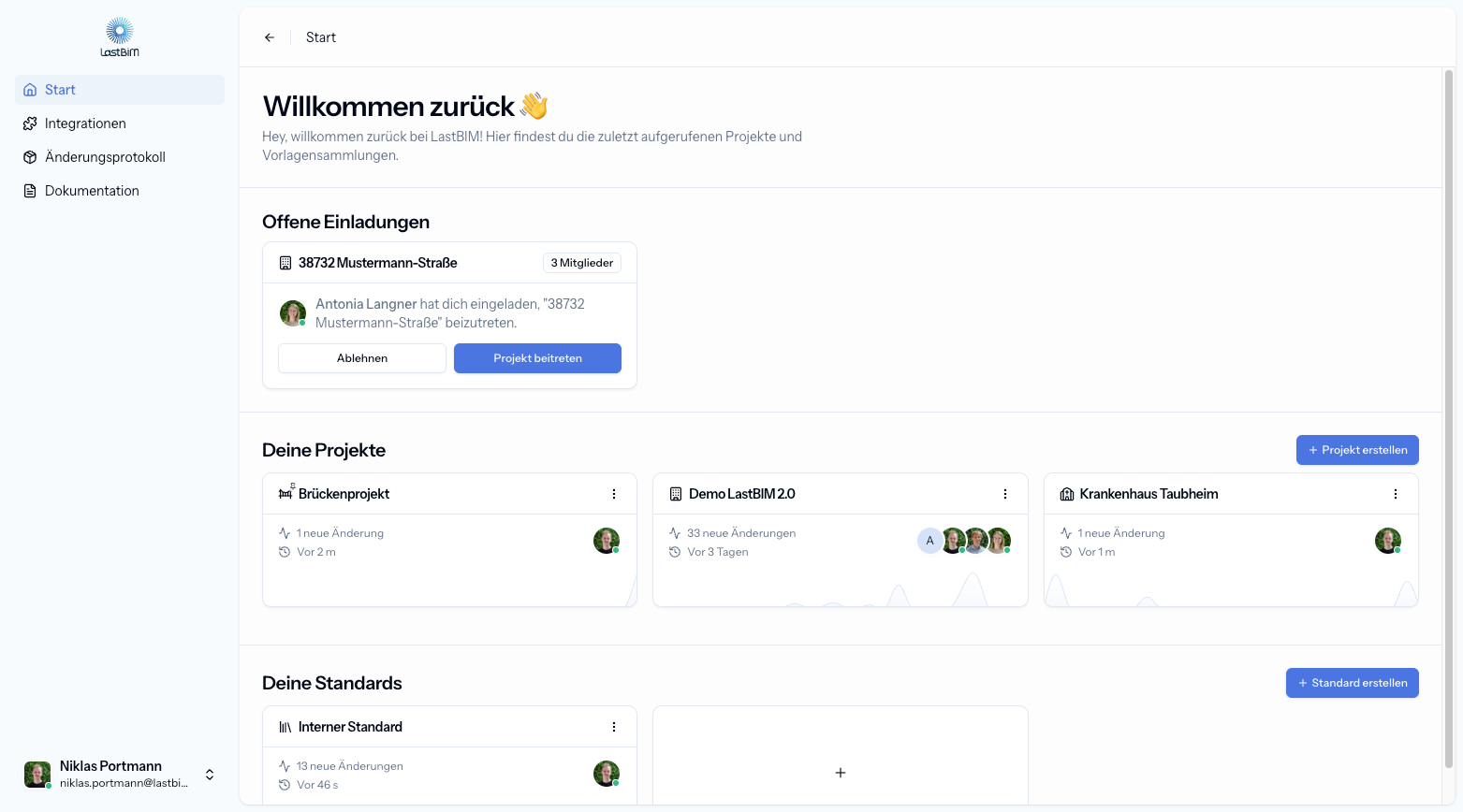
The platform is the heart of LastBIM and also the exchange hub for your information requirements. On the homescreen you can find your invitations, projects and standards.
Projects & Standards
A LastBIM project (or standard) groups one or more information requirement catalogs and also manages the access of different users inside the project. Standards can be used to define organization-wide templates which can be used for multiple projects.
Catalogs
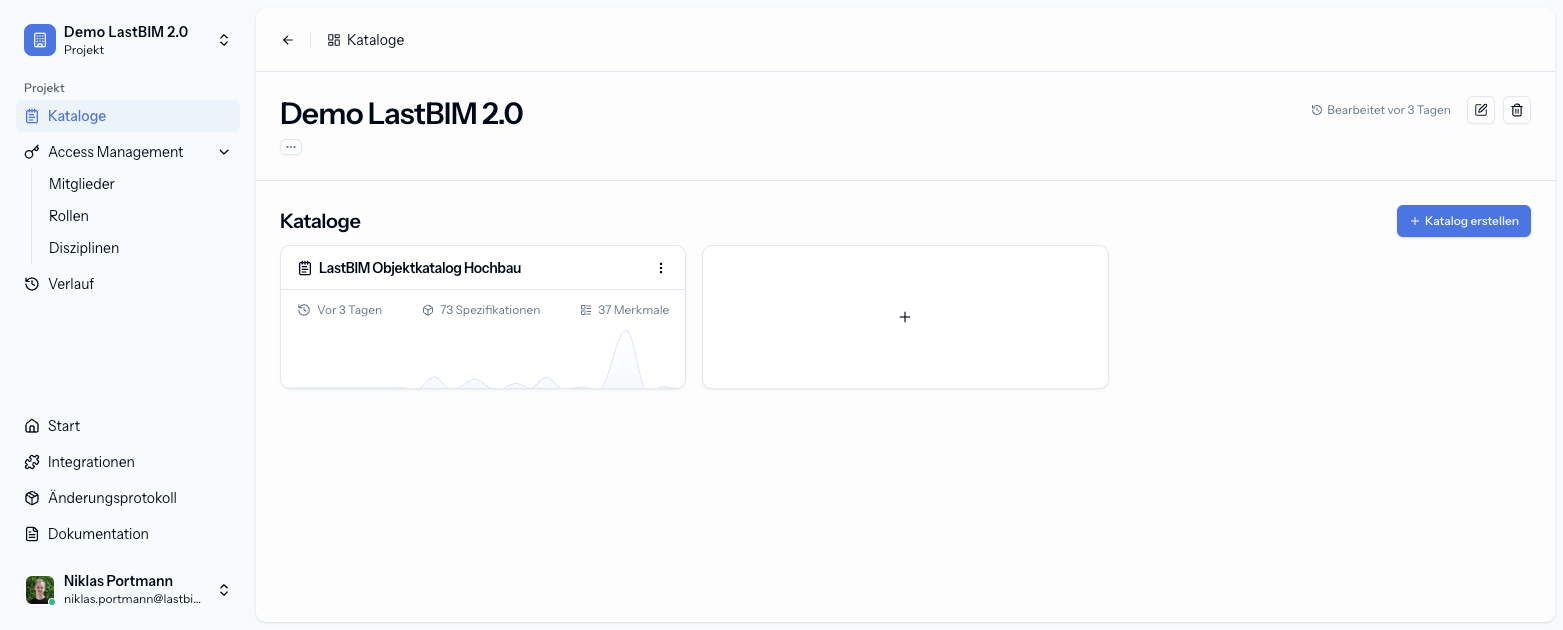
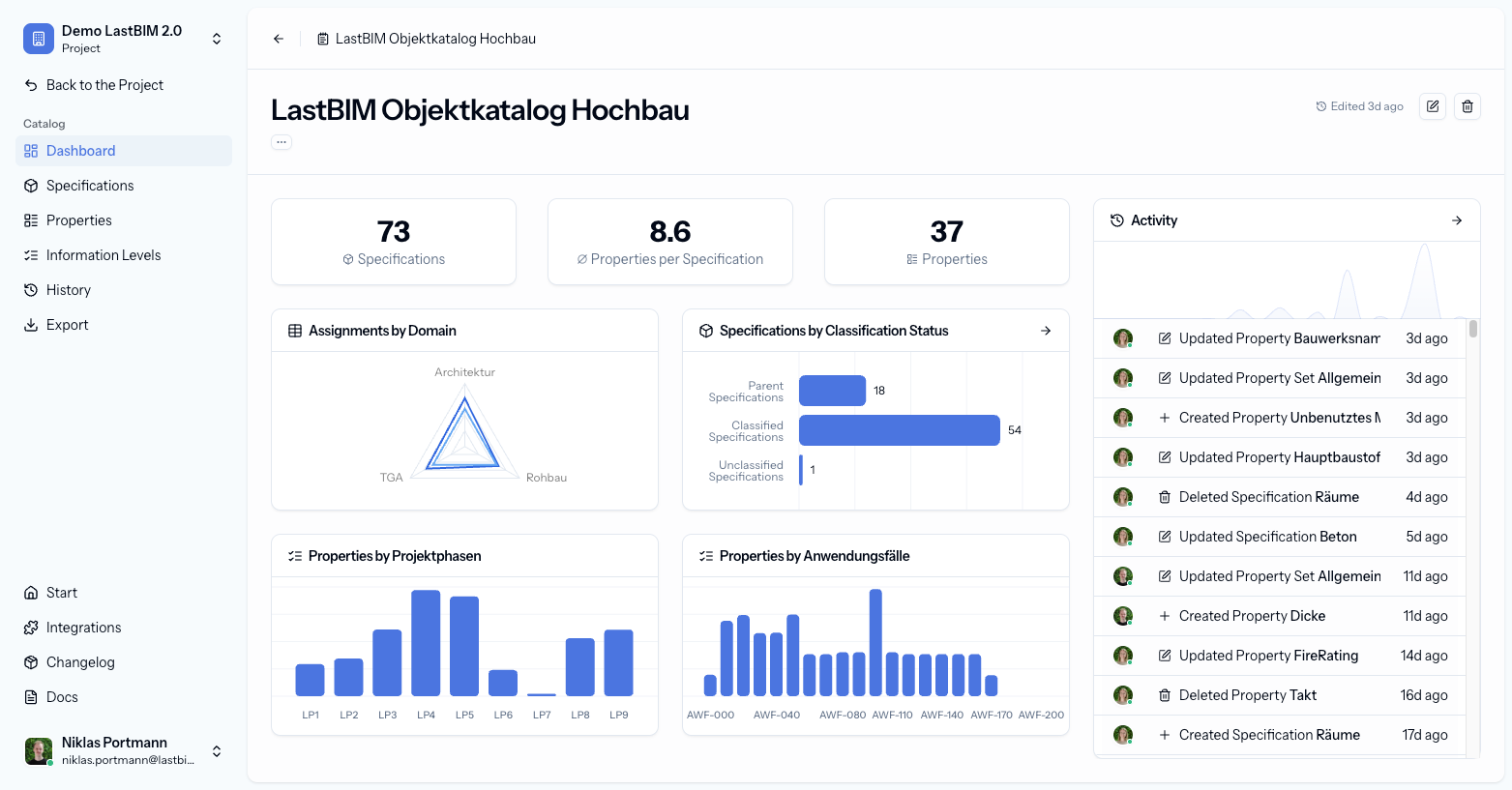
A catalog is always placed inside a project or standard. The catalog contains all of the content of the information requirements for the project. The catalog dashboard will show you the latest activity inside your catalog and also a brief overview of its content.
Specifications
Specifications can be used to define requirements for specific building components or other arbitrary groups. Inside each specification you can define:
Classifications: When does an element match this specification?
Requirements: What data should an element matching this specification entain?
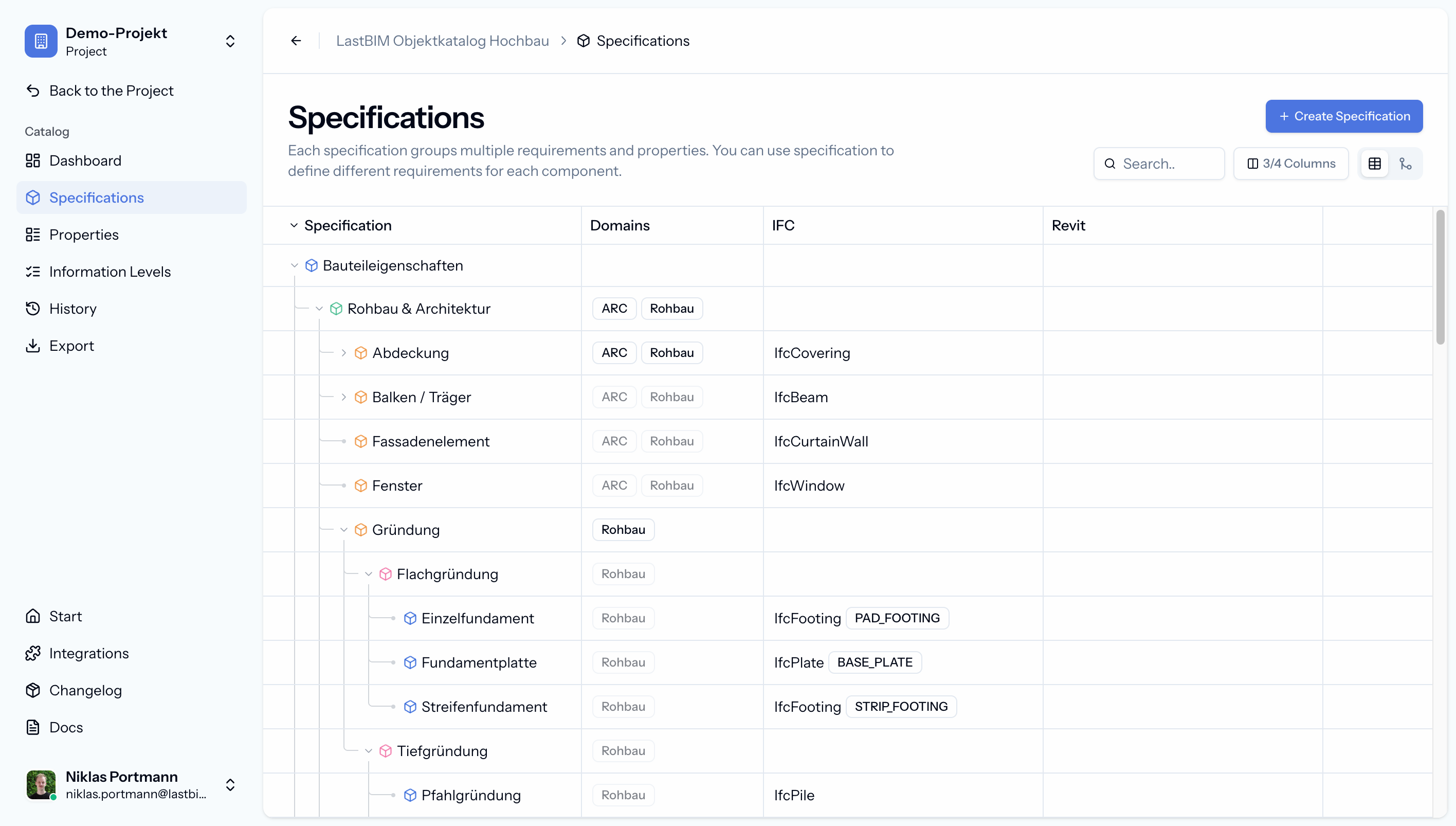
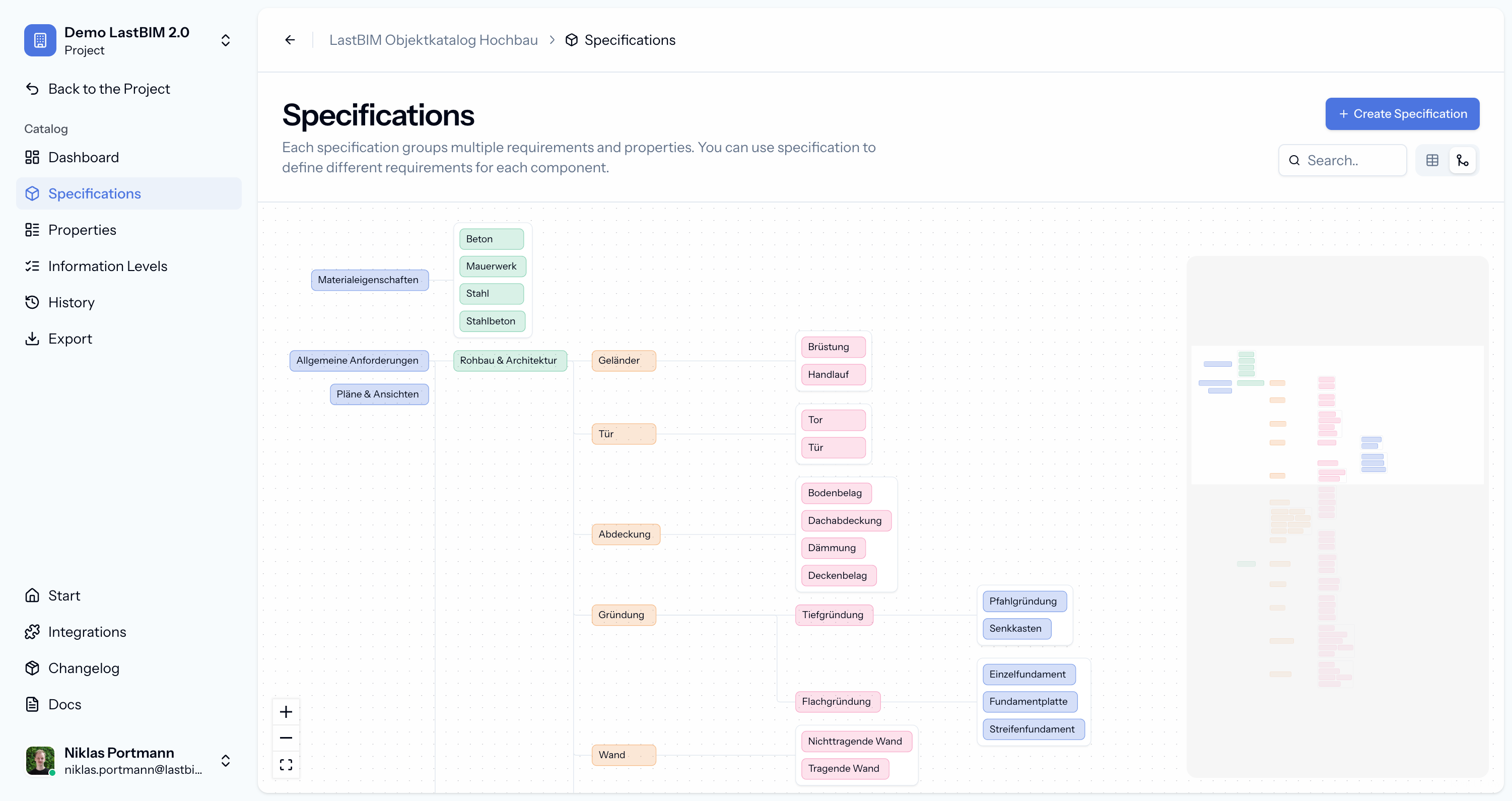
💡 Specifications can be build up in a hierarchy. This not only makes them easier to maintain, but also enables you to reuse classifications & requirements by inheriting them down to child-specifications.
Properties
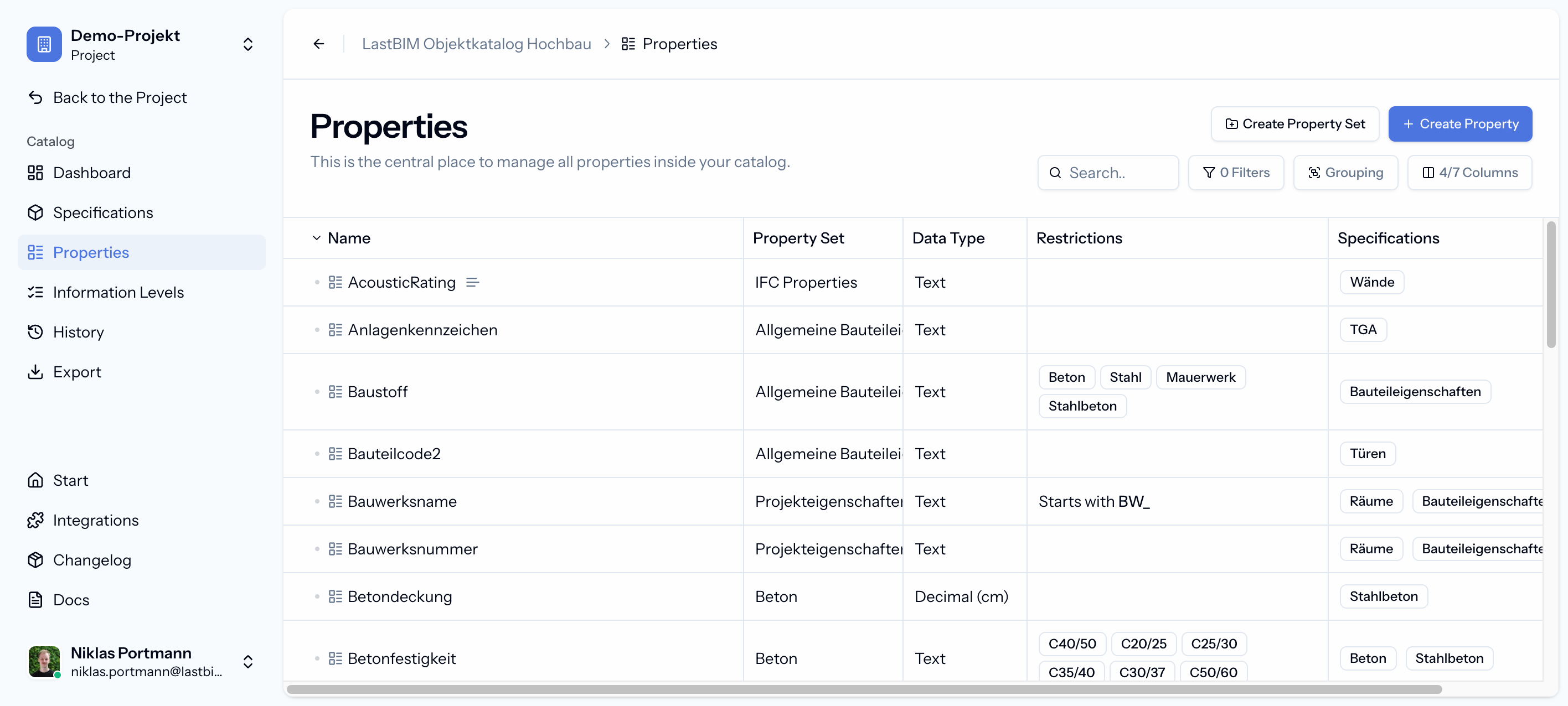
A catalog also serves as a database for your properties. Properties can include data types, value restrictions and mappings to other formats like Revit & IFC.
Information Levels
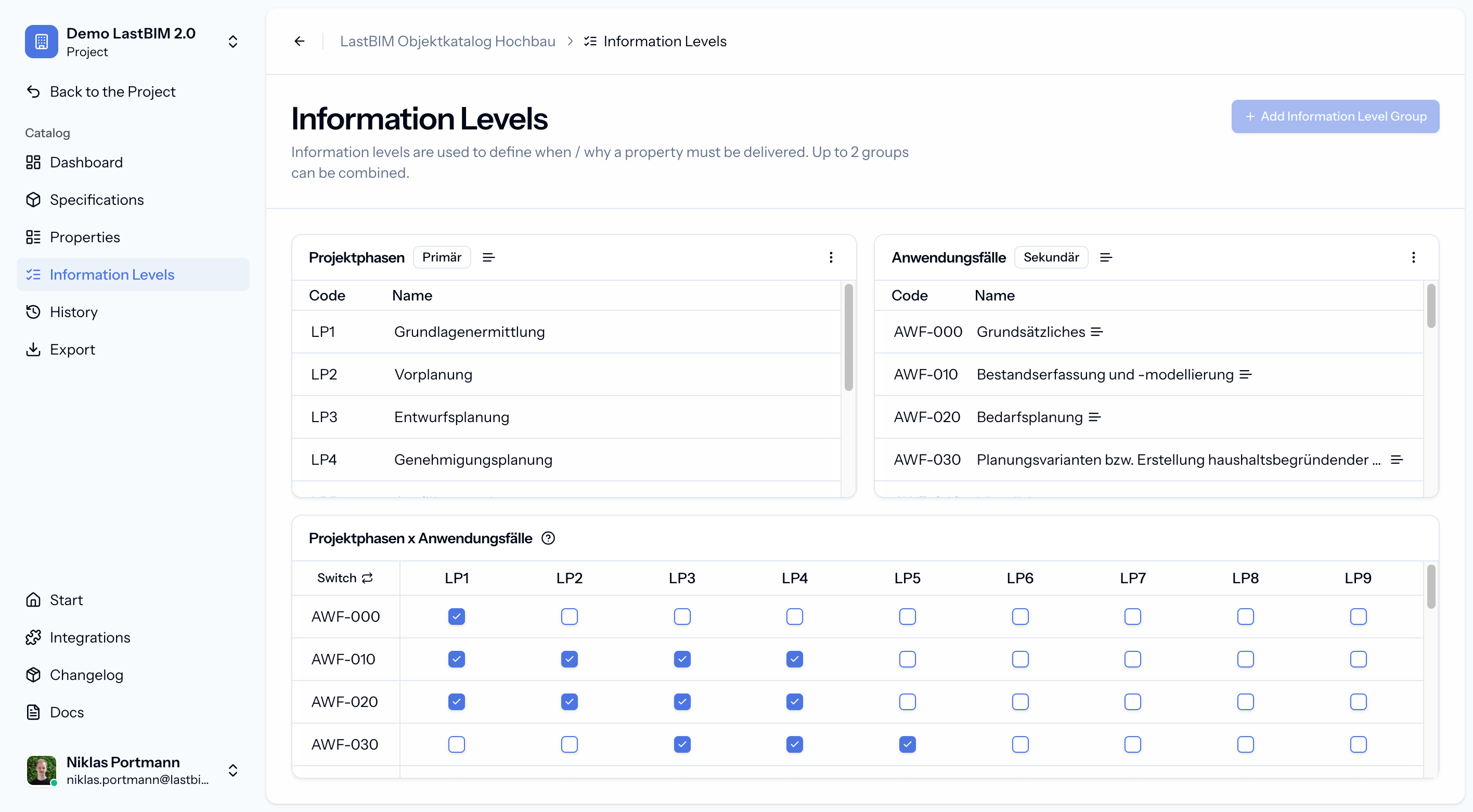
Information levels are used to define how the information requirements change during different stages of the project. Often they are modeled after project phases or use cases. You can use up to two information level groups at the same time on LastBIM.
Specification & Property Assignments
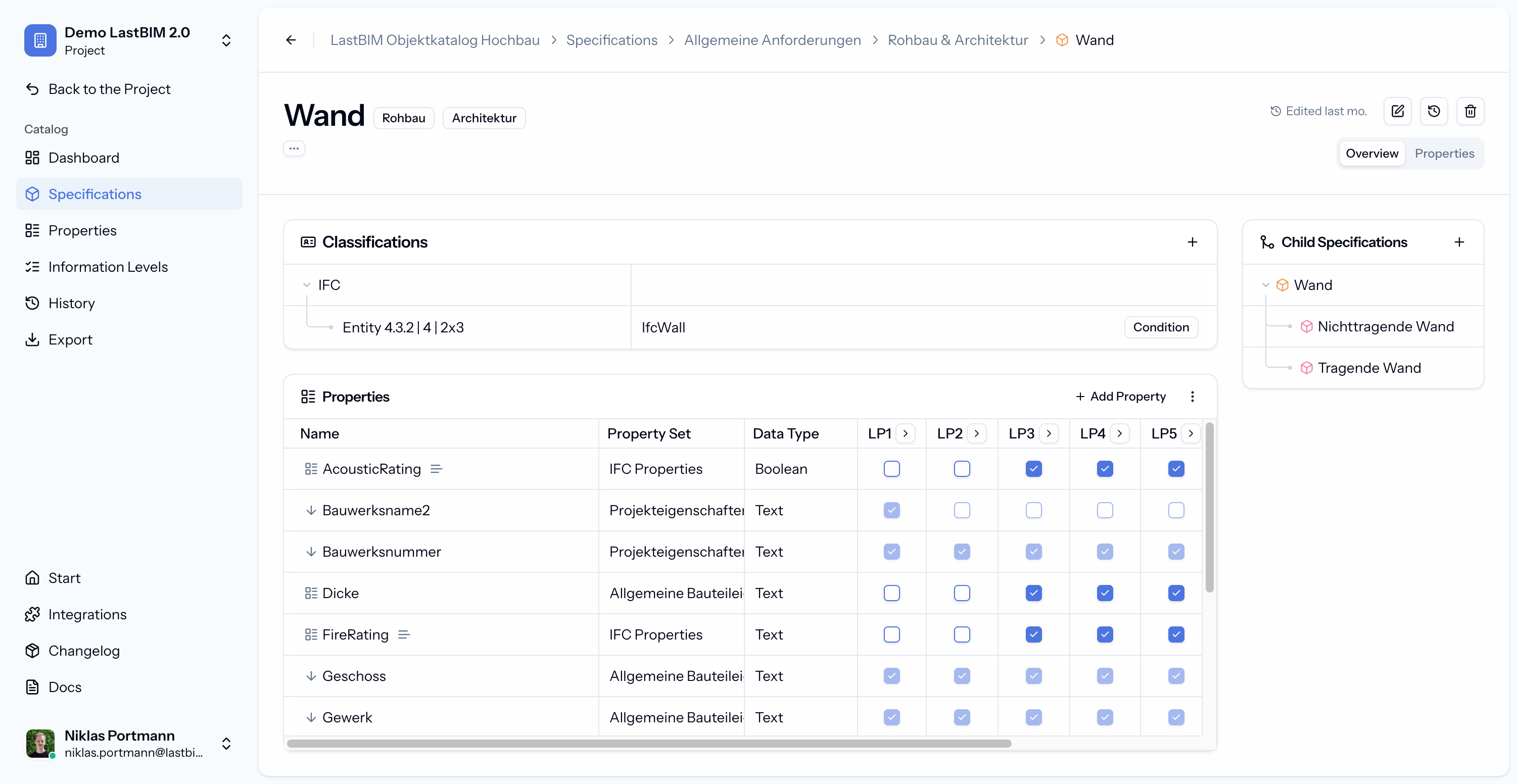
The detail view of each specification enables you to assign properties to the specification and define in which information levels they are needed. You can also classify this specification either with classifying properties, or by assigning mappings like IFC entities.
Integrations / Plugins
While the platform assists you in defining which information should be delivered when, the plugins and integrations assist you in actually delivering that information.
Attribution
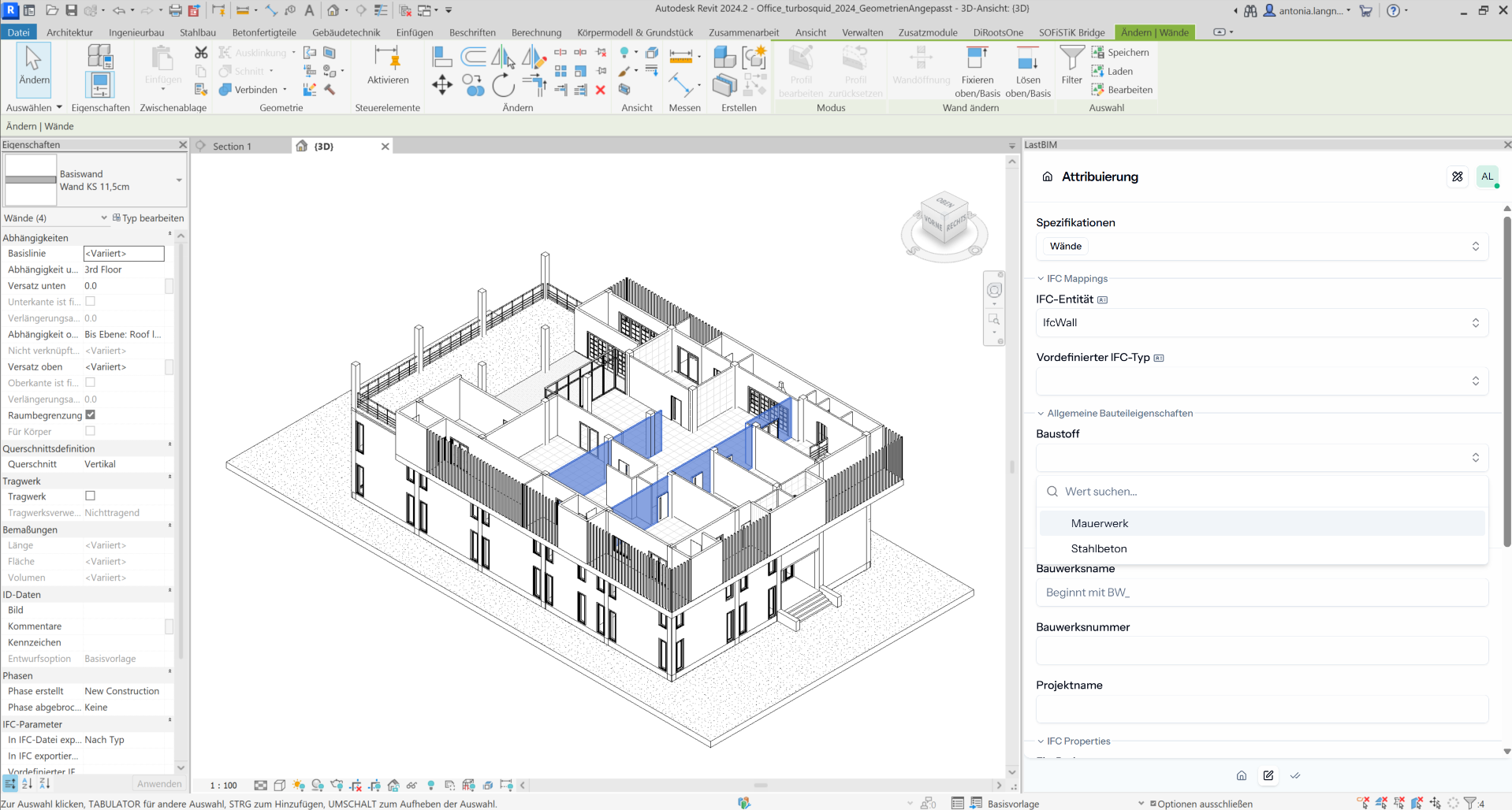
The attribution module inside the plugin is automatically synchronized with your requirements catalog. It automatically creates shared parameters (in Revit), binds the parameters to the element categories and guides you through the attribution process.
Validation
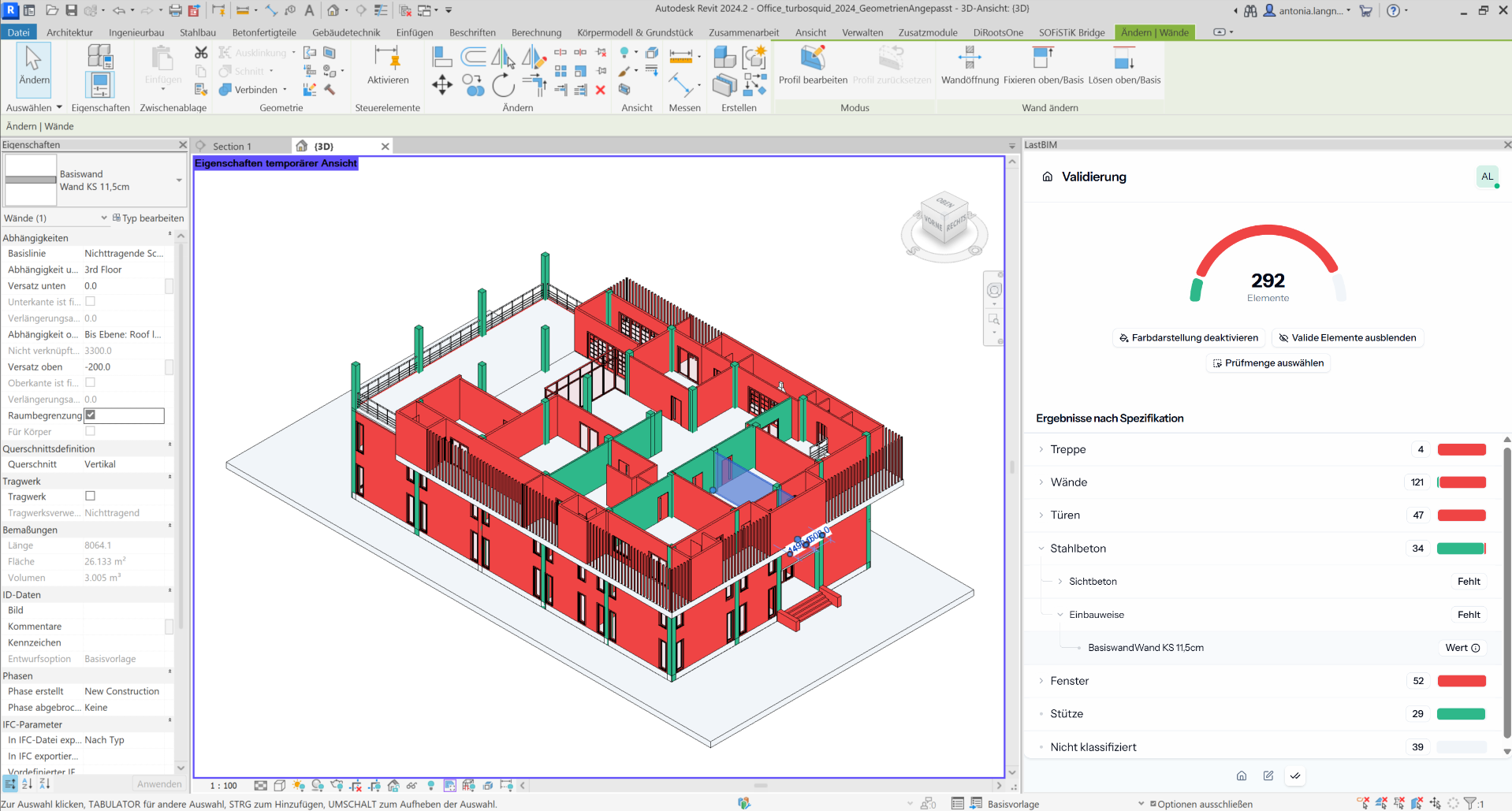
The validation module enables you to check your model against information requirements –even before you export it into any other format. Just like the attribution module the requirements are linked to the platform and automatically synchronized.
Was this helpful?
Still need help? Share an idea